Loading
Features
Every feature, built for one kind of work.
Each one is a complete workflow, open on this deployment, shown with its own approved productions.
Video and images
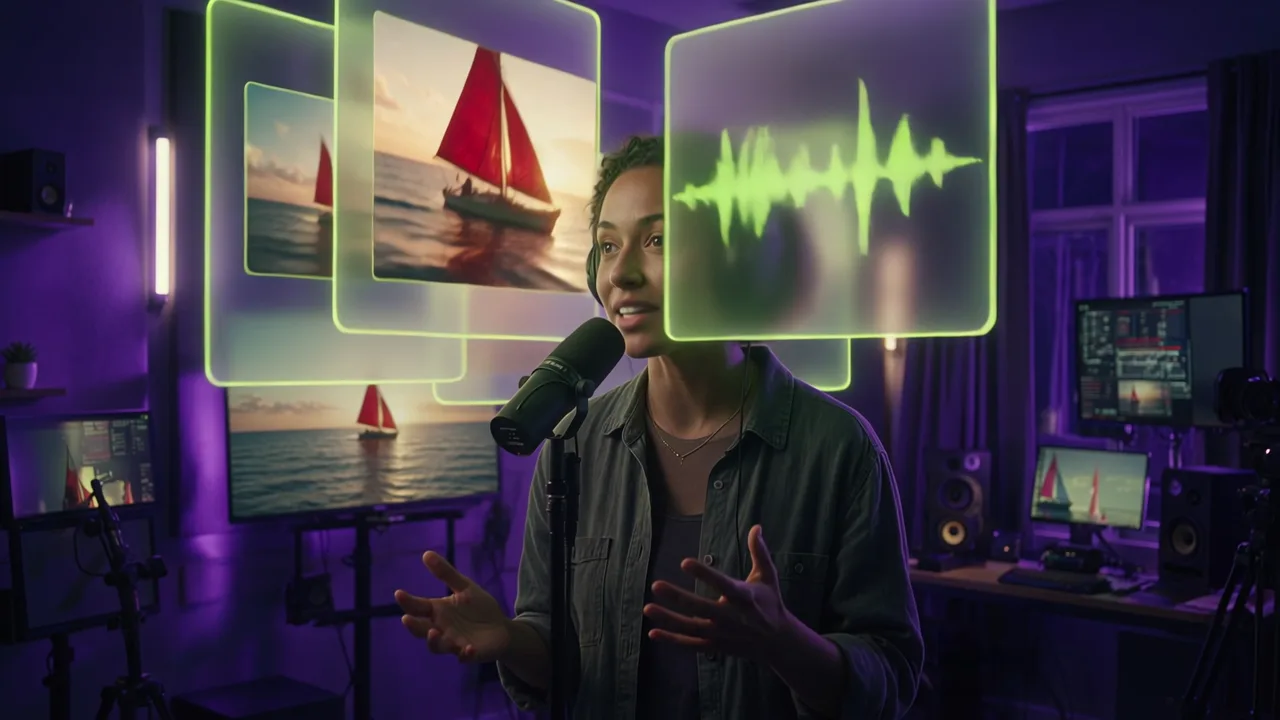
Say what you see. Direct it frame by frame.
PlayMould Direct
One board for pictures, clips and whole scenes: write the shot, add reference pictures and clips, choose a model or let PlayMould choose, and keep refining. Agent mode plans multi-shot work with you and shows every step before anything is made.
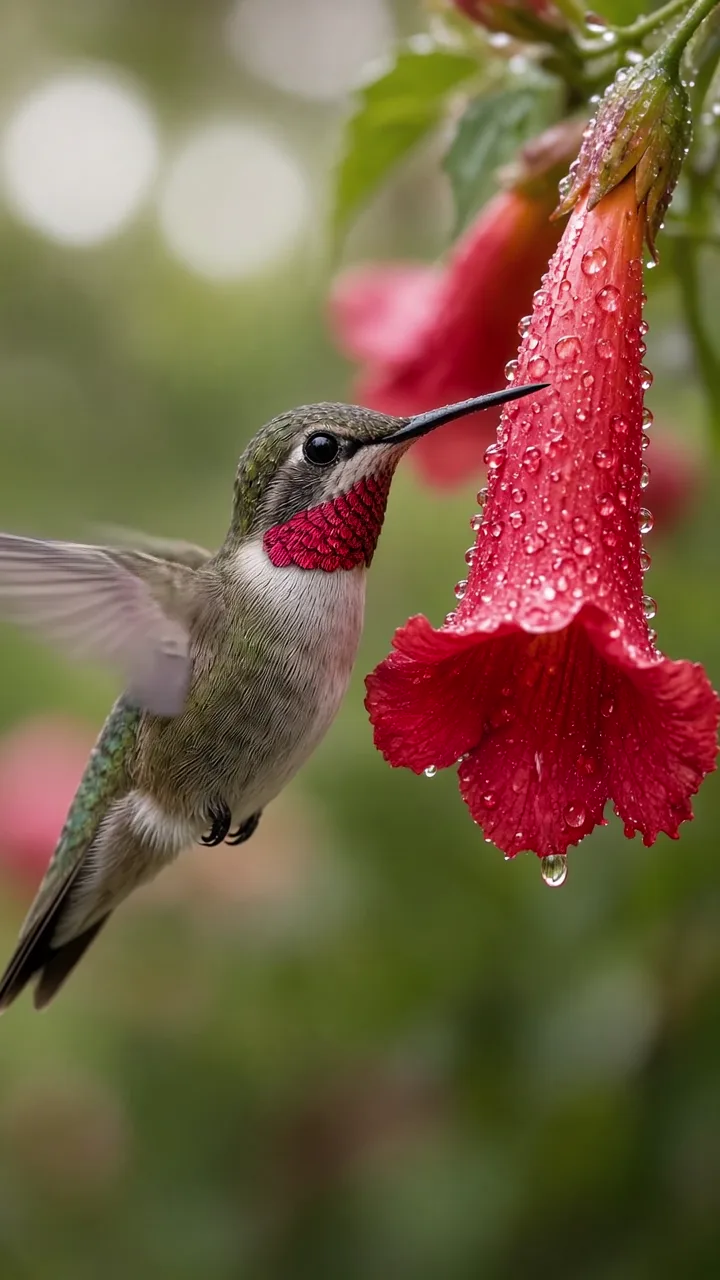
One clip or picture, on the model you choose.
AI Clips
The fastest way from words to a finished clip. Pick a video or picture model, write the shot, set the frame and length, and watch it arrive. Start from a picture of your own, hold a first and last frame, or add reference pictures where the model takes them.
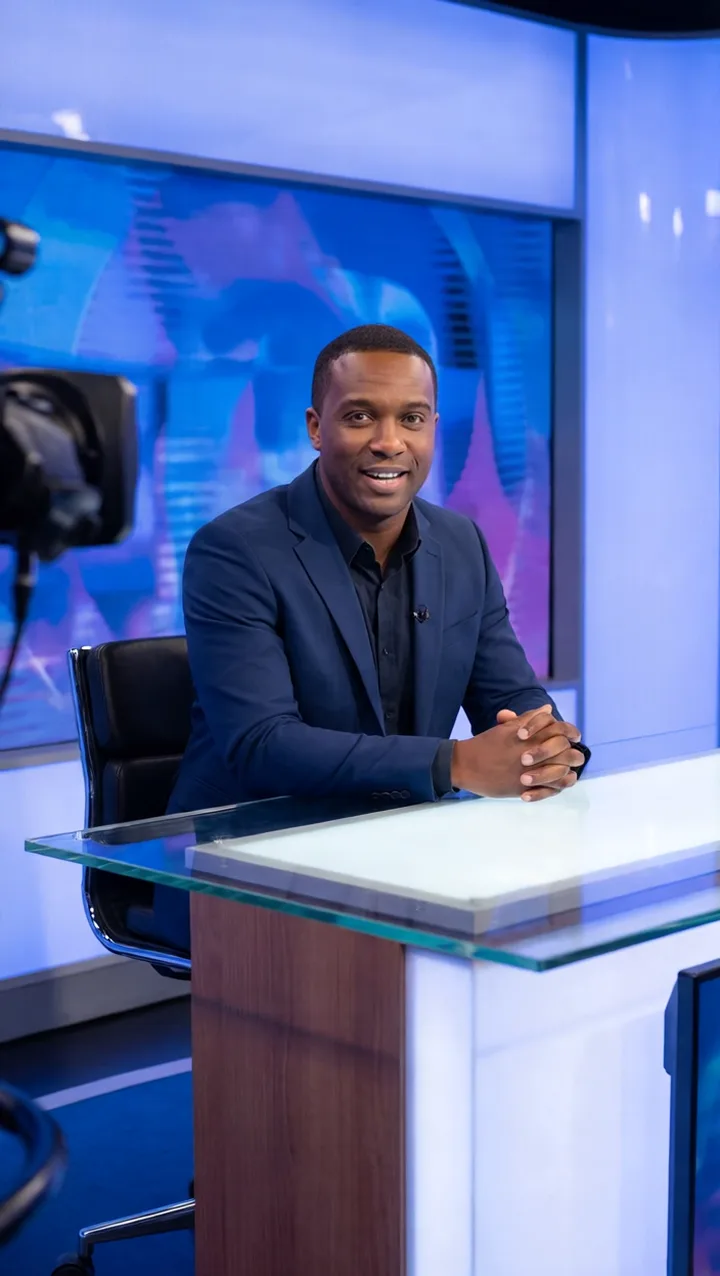
A presenter you build once and bring back every time.
AI Influencer
Design a character as a picture you can reuse, then have them speak your script to camera: a studio presenter, a selfie vlogger, a travel host, a podcast voice or a 3D character. One photo and a script become a talking video with lips and expression in time with the voice.
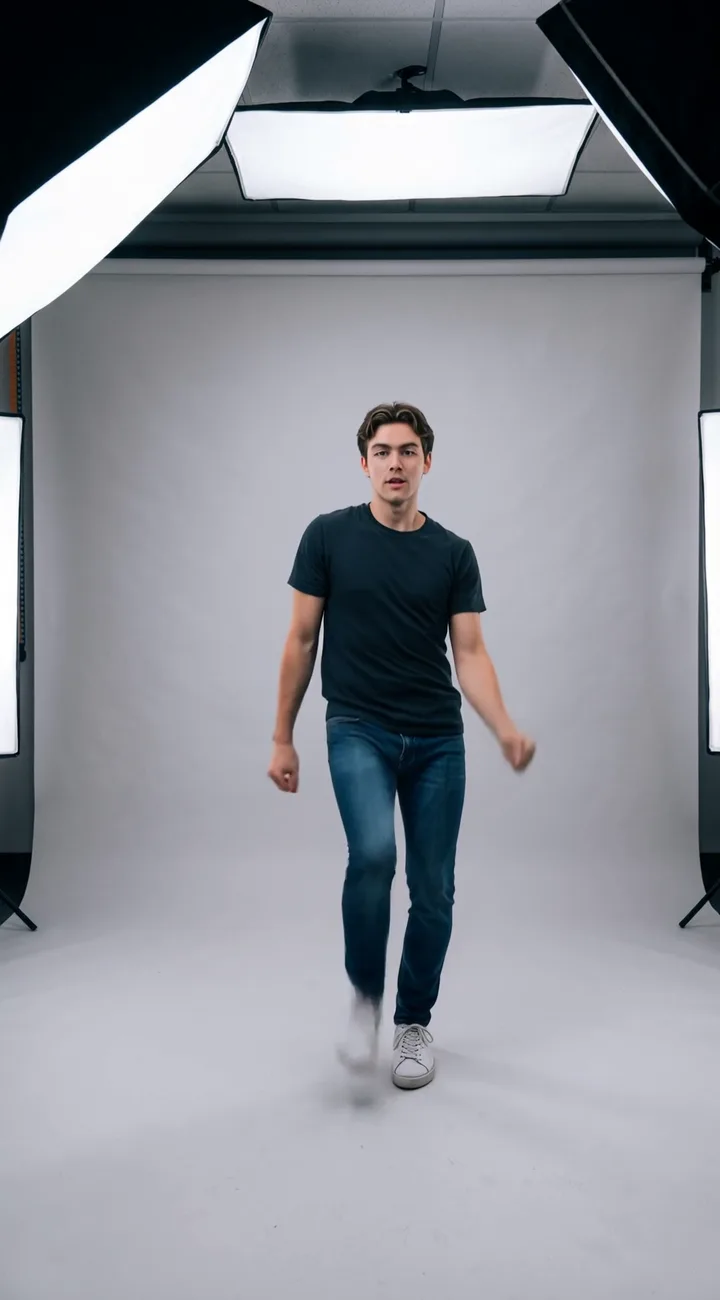
Your movement, a new performer.
Motion Studio
Record a dance, a sports move or a facial performance and carry it, move for move, onto a new performer from a single picture. Camera motion from a scene picture is here too.
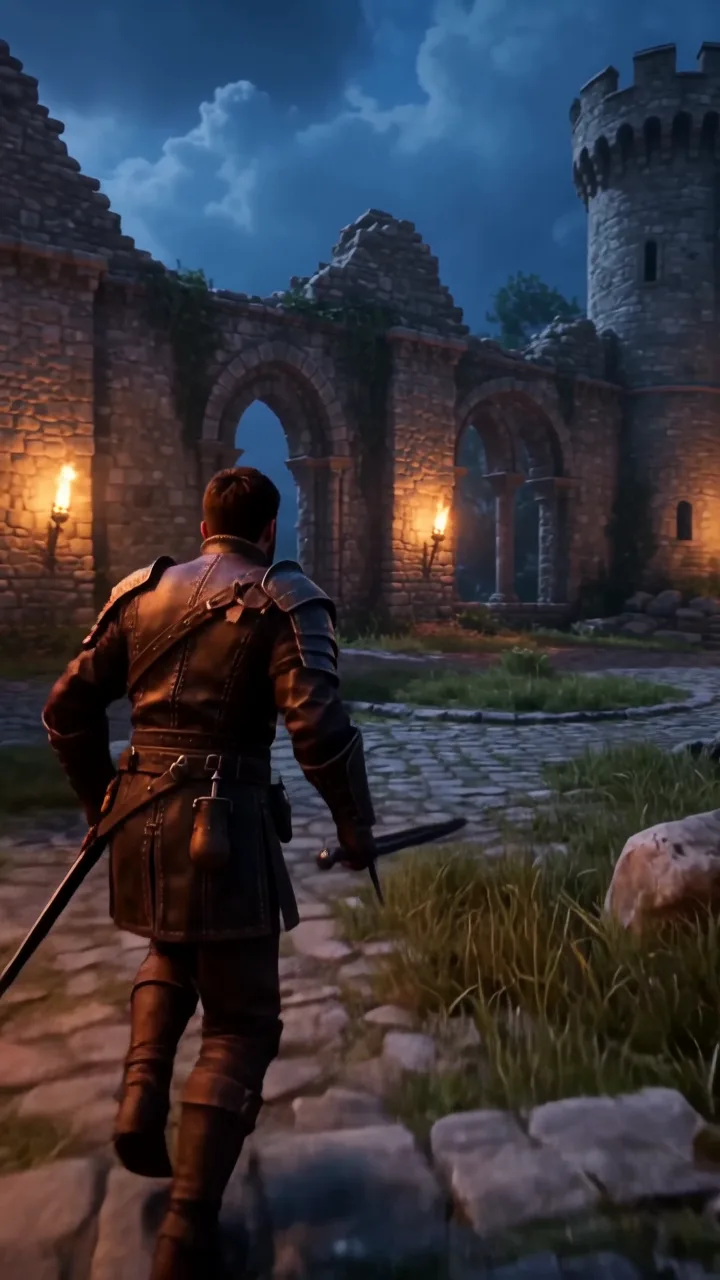
Gameplay-style footage from a prompt.
Gameplay
A PlayMould Direct preset for third-person adventure, first-person action, open-world exploration, racing and cinematic battle footage, with the camera and pacing of a game capture.
Story and film
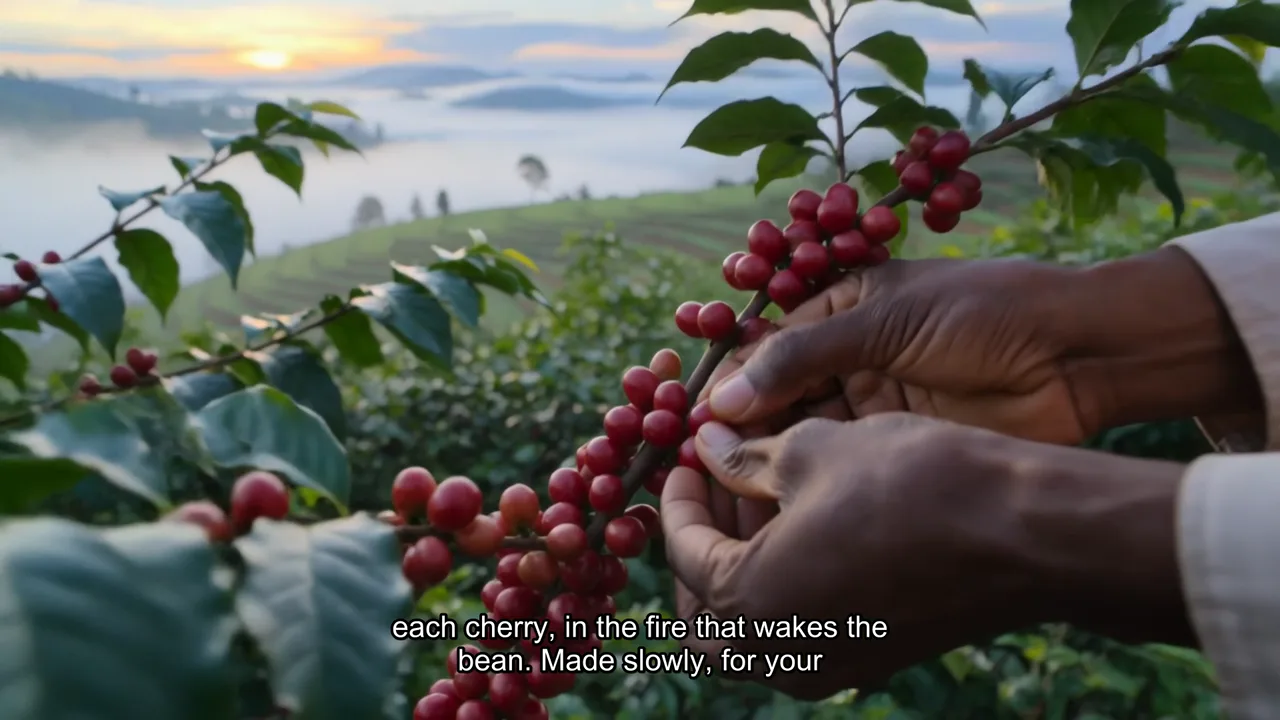
Describe it. It plans; you confirm.
Creative Director
A conversation that turns an idea into a production: the Creative Director develops the brief, writes the words, plans the shots, chooses voices and music, and comes back with a proposal and a token quote before anything is made. Writing and planning are free.
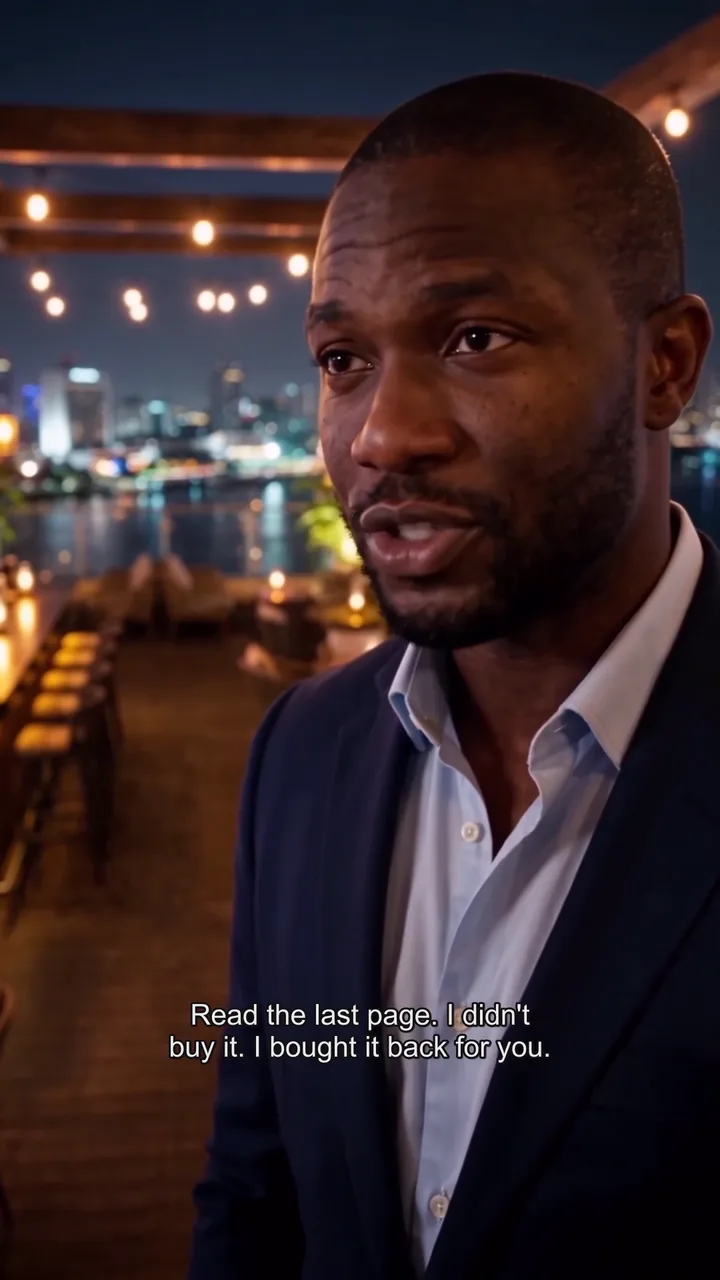
A vertical drama in episodes, with a cast that speaks.
Short Drama
From a premise to a structured screenplay to finished episodes: PlayMould casts the characters, keeps their faces and voices consistent across scenes, records the dialogue, scores the scenes and cuts each episode for a phone screen.
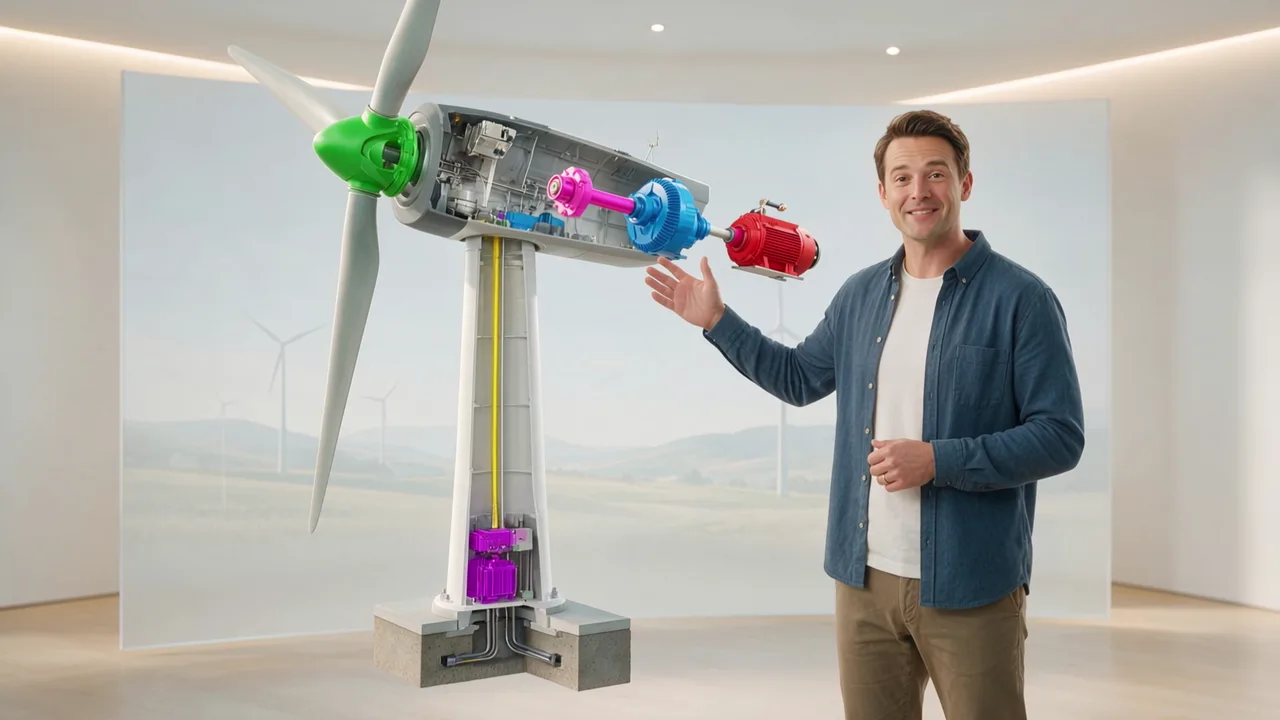
A topic, product or idea, explained.
Explainer Video
Give the Creative Director a brief and it writes, plans and makes a short explainer: clear words on screen, pictures that carry the idea, and narration where a voice is set up on this studio.
Music and sound

An original song, an instrumental or a short piece.
Create Music
Describe the song, bring your own lyrics or have them written, and hear a finished track: Afrobeats, slow jams, gospel with a choir, acoustic duets, indie anthems, hip-hop, pop, progressive house, and instrumentals for any video.
Automation and tools
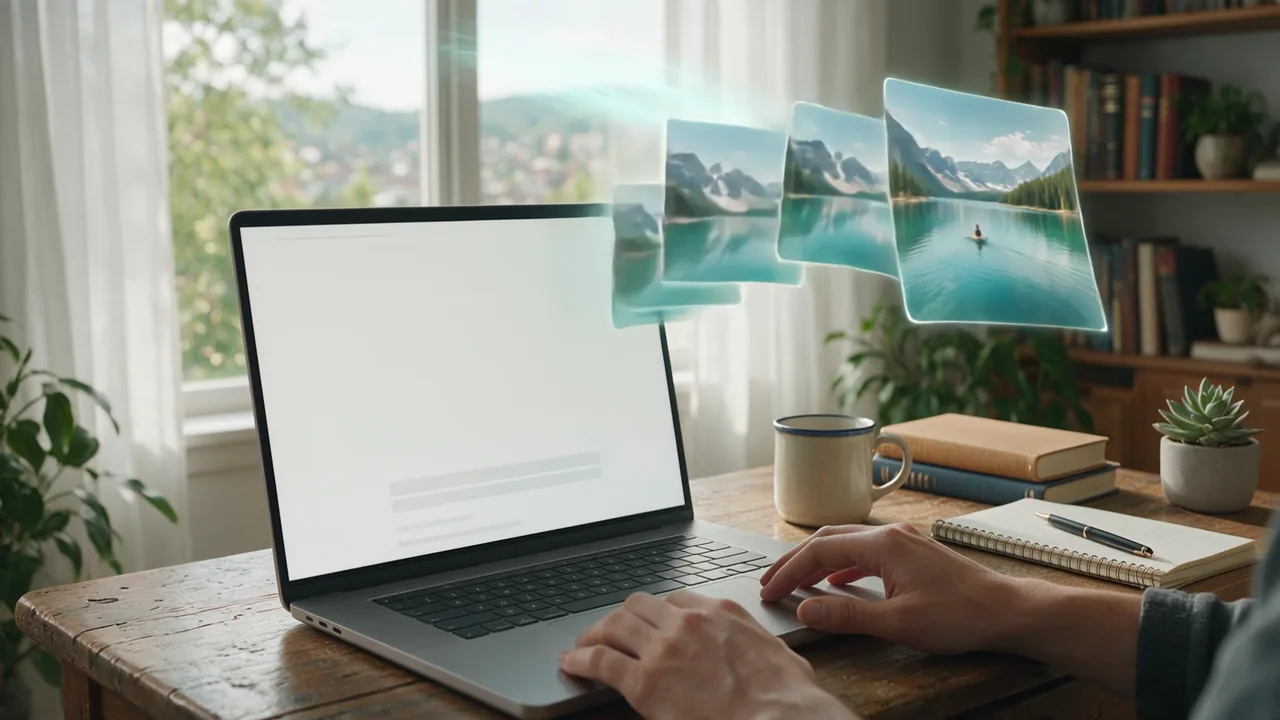
A video from a link to an article or page.
URL to Video
Paste a link. The page is read, its main points are planned into scenes by the Creative Director, the source is credited, and the video is made.
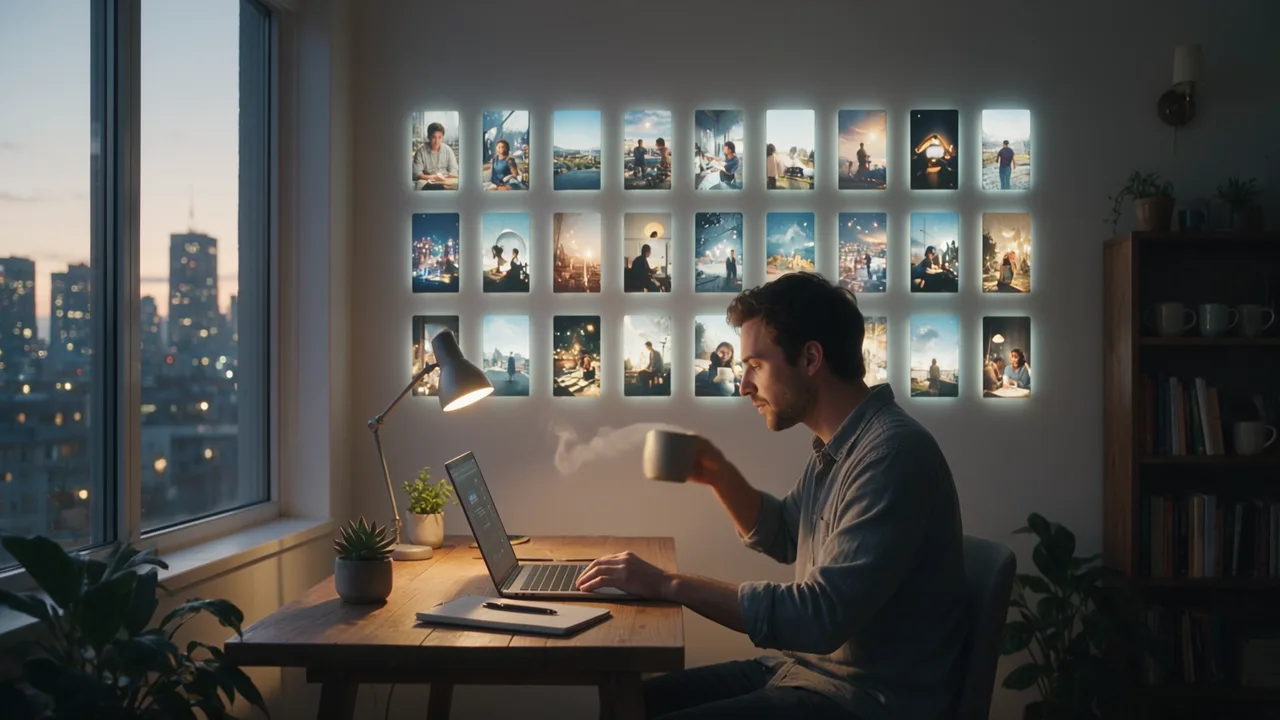
A standing plan and a calendar for your channel.
Autopilot
Set up a content plan with a budget: a daily short-form channel, weekly product ads, a drama episode series, a music campaign or a listings campaign. Autopilot plans the calendar and makes each piece when it is due, within the budget you approved. You post everything yourself.

Every tool, and what it does.
AI Tools
A library of focused tools: first frame to last frame, POV clips, restyles, renovation before-and-afters, captioned clips, seamless loops, reel makers, pictures from words, picture variations and more. Each tool says what it needs to run here.